What are the options with the standard radio?
Many MX-5 drivers are switching to a head unit with a touchscreen and support for Apple CarPlay or Android Auto. The main reason is to stream music, make calls, or use navigation. That’s a great upgrade, but not everyone is interested in it. You can also choose to keep the original radio and find another way to make calls and stream audio.
A Parrot car kit
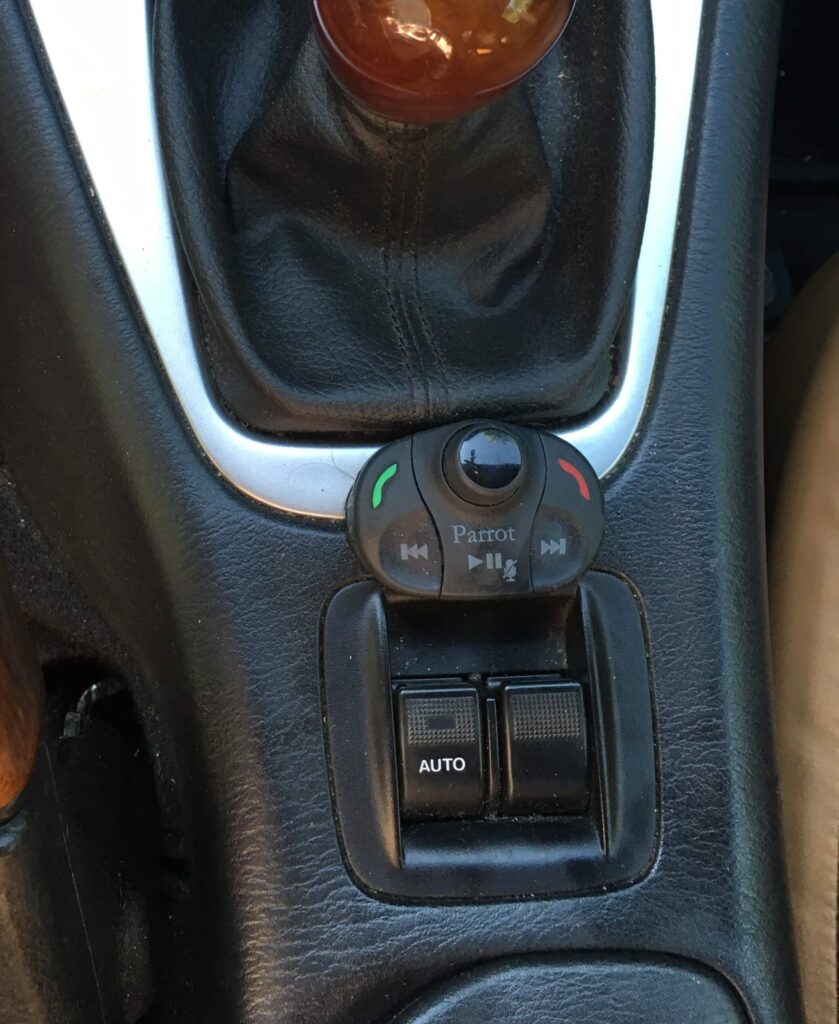
A few years ago, I bought a Parrot MKi9000 car kit—deliberately without a screen. It had a small wireless control panel that you can place wherever you want. I like to have things like that within easy reach. It allows me to choose a locations for it between the window switch and the shifter.
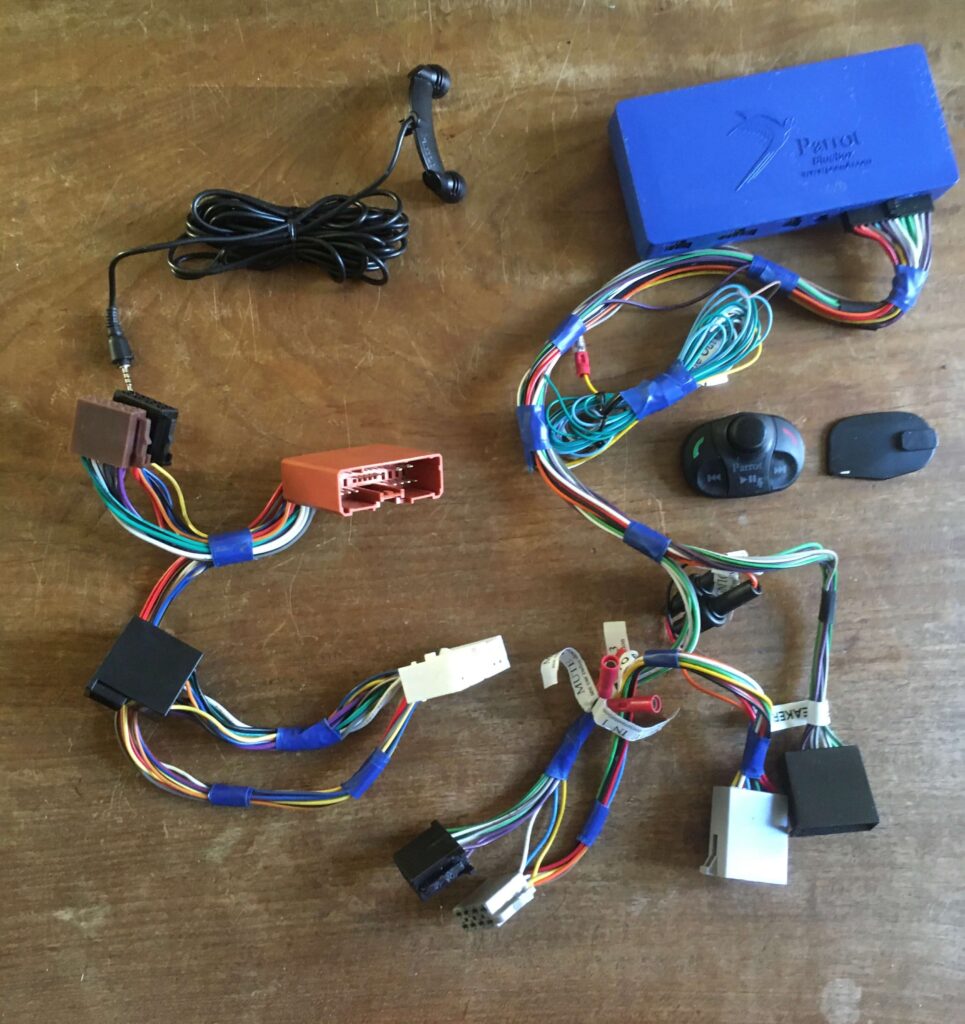
The Parrot car kit was connected to the radio using the Kram ISO2CAR 86140. This mini harness allows you to install the car kit between the car’s wiring harness and the radio. Since a Parrot car kit needs to be universally compatible with all kinds of cars, it always comes with ISO connectors. To make it compatible with a Mazda MX-5, you use a Kram ISO2CAR cable to adapt the ISO connectors to a specific type of car stereo. That explains the cable’s name, as well as why there are so many different ISO2CAR cables. All in all, you’re adding quite a bit of wiring to the car, but it is a plug-and-play solution.
This Parrot car kit supports several Bluetooth profiles. To make hands-free calls, you need the Hands-Free Profile (HSF). For audio streaming Bluetooth offers the Advanced Audio Distribution Profile, better known as A2DP. To control the volume, replay a track, or skip a track using a remote control, the car kit must support AVRCP. That is short for Audio/Video Remote Control Profile.
Pros and cons
The advantage of the Parrot car kit is that it always controls the speakers. It doesn’t matter whether you’re listening to the radio or a CD. The car kit always takes priority when a call comes in or when you want to stream music from your phone. The car kit then temporarily mutes the radio and sends the audio to the speakers.
However, there are also a number of drawbacks:
- The sound quality is determined by the quality of the amplifier in the car kit. Of course, it doesn’t have the same quality or power as the original radio;
- The control panel—which is essentially a remote control—is clearly a non-original element in the car’s interior;
- Since the control panel is wireless, it runs on a button-cell battery that eventually runs out and must be replaced;
- No matter where you place the control panel, it’s always a compromise. If it’s within easy reach, you’re likely to press it accidentally. If you put it somewhere else, you’ll have to search for it or stretch to reach it;
- You can press the radio buttons as much as you like, but they have no effect on the car kit, since it only accepts input from the control panel.
All in all, it’s a solution that’s perfectly acceptable. I’ve gotten a lot of use out of it, but right now it’s just sitting idle on a shelf in the garage. That’s mainly because I saw potential for a solution that, in my opinion, is more elegant.
The Yatour Bluetooth Adapter
I’m talking about the Yatour module. This module supports the same Bluetooth profiles as the Parrot but works with the original radio in a different way.
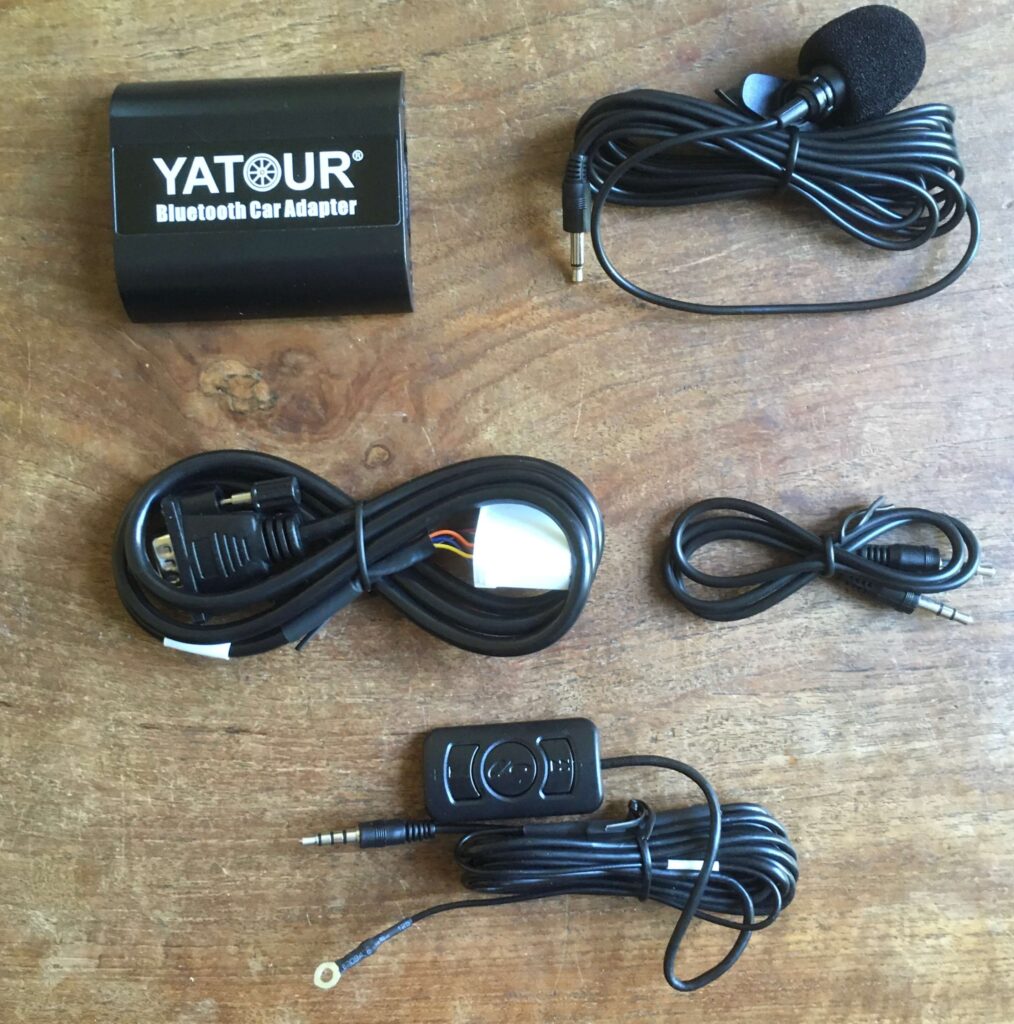
The photo shows that you can also use a small control panel with the Yatour. In the MX-5 that isn’t necessary because you can use the radio’s buttons instead. This makes it much more intuitive to use. The Yatour, model YT-BTA-MAZ1, connects to the 6-CD changer port on the back of the radio. The radio recognizes the device as if it were a CD changer. You can control all functions using the radio’s buttons after selecting the CD changer as the audio source. Then you can listen to music streamed via Bluetooth.
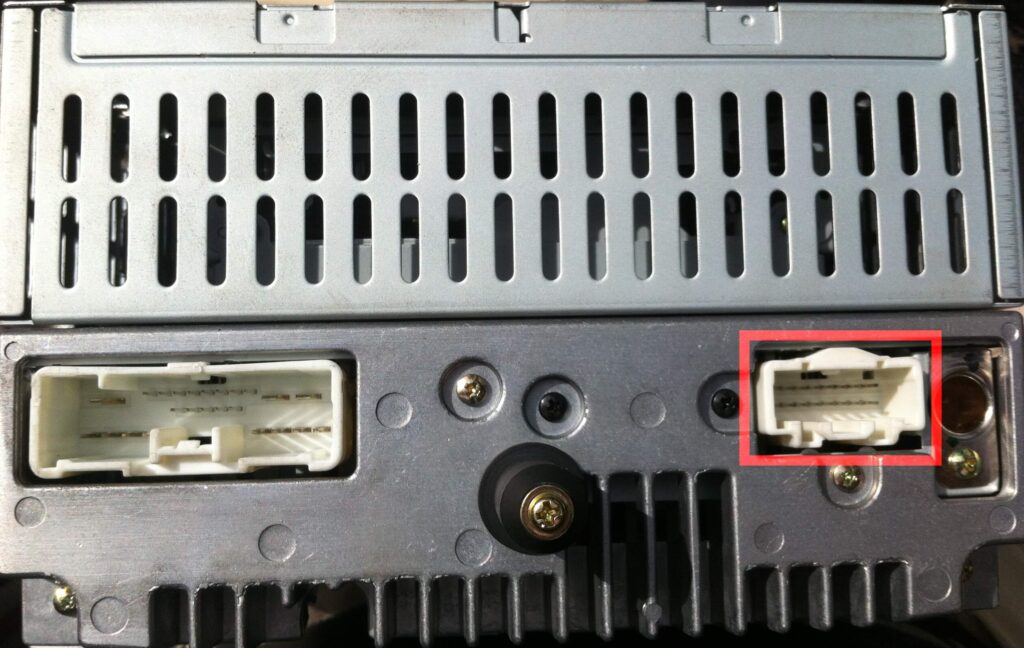
Since the Yatour can be controlled using the radio’s buttons, I took it a step further. I installed the audio buttons from a Mazda 323F (manufactured around 2000–2002). The radio recognizes the signals sent by those buttons. It allows me to control the radio, CD player, car kit, and Spotify right from the steering wheel. How that works in described here.
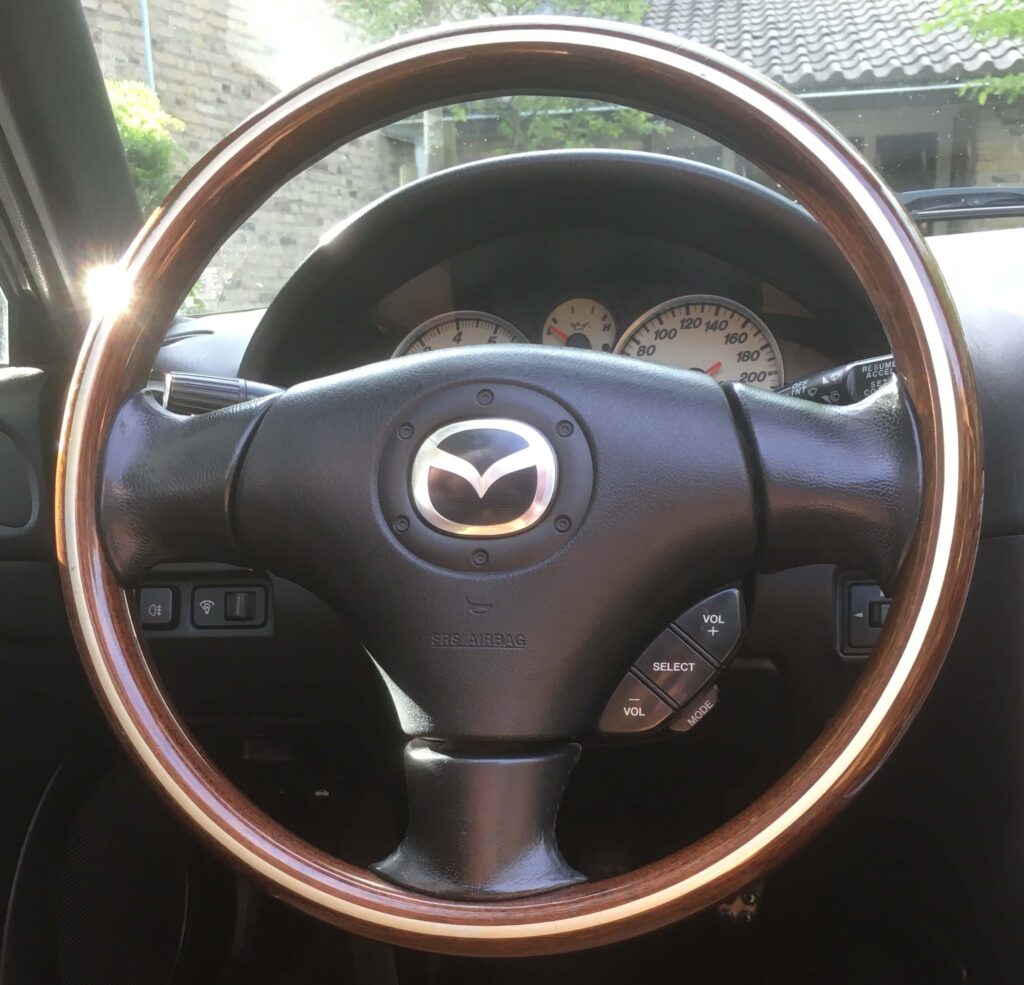
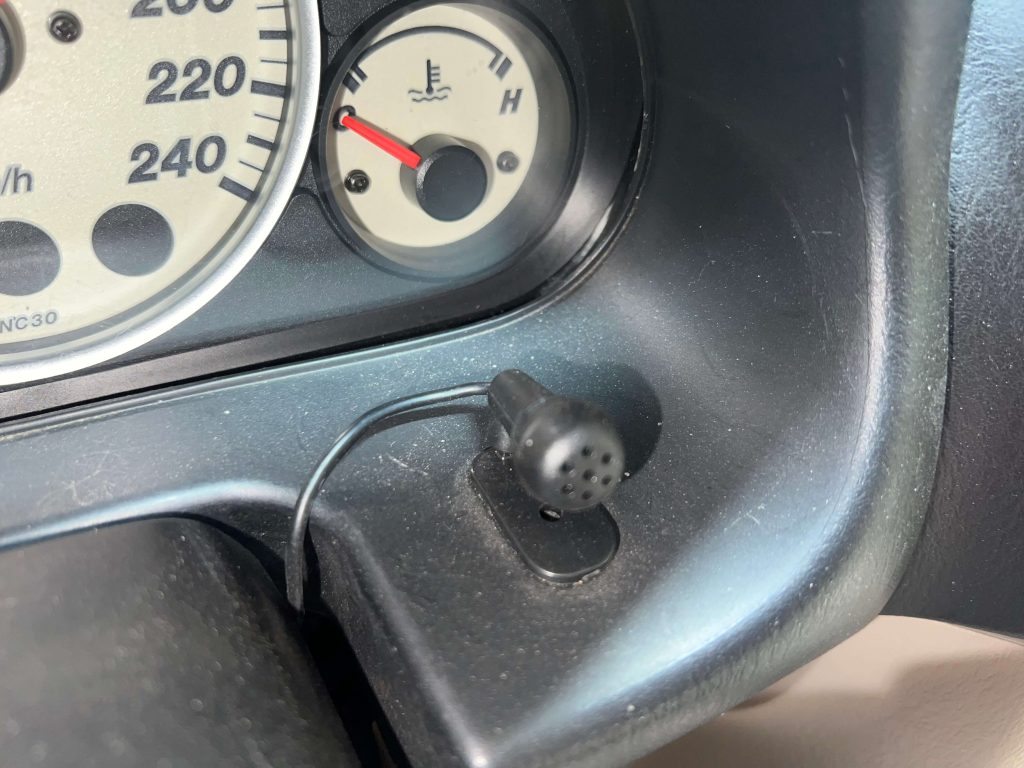
I placed the Yatour’s microphone in the lower right corner near the instrument cluster.